-

An Overview of Perusall
Overview Perusall is a free “social annotation” tool that helps students engage with course material in class groups. When integrated with HuskyCT, instructors can create reading or viewing assignments in which students create & share their own annotations and respond to each other’s comments and questions. Perusall informs instructors of the concepts that generate the most student questions & discussion, and Perusall can assist instructors score assignments quickly and efficiently. Perusall also reminds students of incomplete assignments, prompting higher rates of completion and preparedness.
-

An Overview of VoiceThread
Overview VoiceThread is an asynchronous discussion and presentation tool that is integrated into HuskyCT (Blackboard). A VoiceThread is a collaborative multimedia slide-based presentation that can include materials such as PowerPoint slides, images, documents, videos, audio files, and other audio-visual content. Users can engage with the content and each other using video-, audio-, and text-based interactions. Online instructors can leverage VoiceThread to create asynchronous discussions, deliver interactive lectures, or facilitate group projects. Its flexibility supports diverse learning styles and encourages participation, making it an ideal tool for building community in online courses.
-

Collaborative (Group) Learning Online
Overview Collaborative learning, also known as group learning, is an opportunity for students to develop higher-order cognitive skills, promote connections and community, and engage with different perspectives. To facilitate student collaboration online, it requires designing the activity as well as selecting the best technology to connect students.
-

Creating and Managing Videos for Online Teaching an Learning
Overview Videos are gaining ground in online education as a result of their versatility in promoting learning, satisfaction, engagement, and interest (LSEI; Costley & Lange, 2017). With this fast-growing dependence on videos, online educators need to become mindful of what constitutes quality videos and how they are best integrated into online content delivery and interaction.
-

Developing Engaging Online Discussions
Overview Online discussions are used to build dynamic learning communities, to synthesize key concepts and to promote critical thinking skills. In this article, we discuss tips for writing engaging prompts.
-
Facilitating Online Discussions
Overview Online discussions are used to build dynamic learning communities, to synthesize key concepts, and to promote critical thinking skills. This article highlights tips for successfully facilitating online discussions.
-

FAQs About Videos for Online Teaching and Learning
Overview This post is a collection of Frequently Asked Questions (FAQs) pertaining to creating videos for online courses.
-
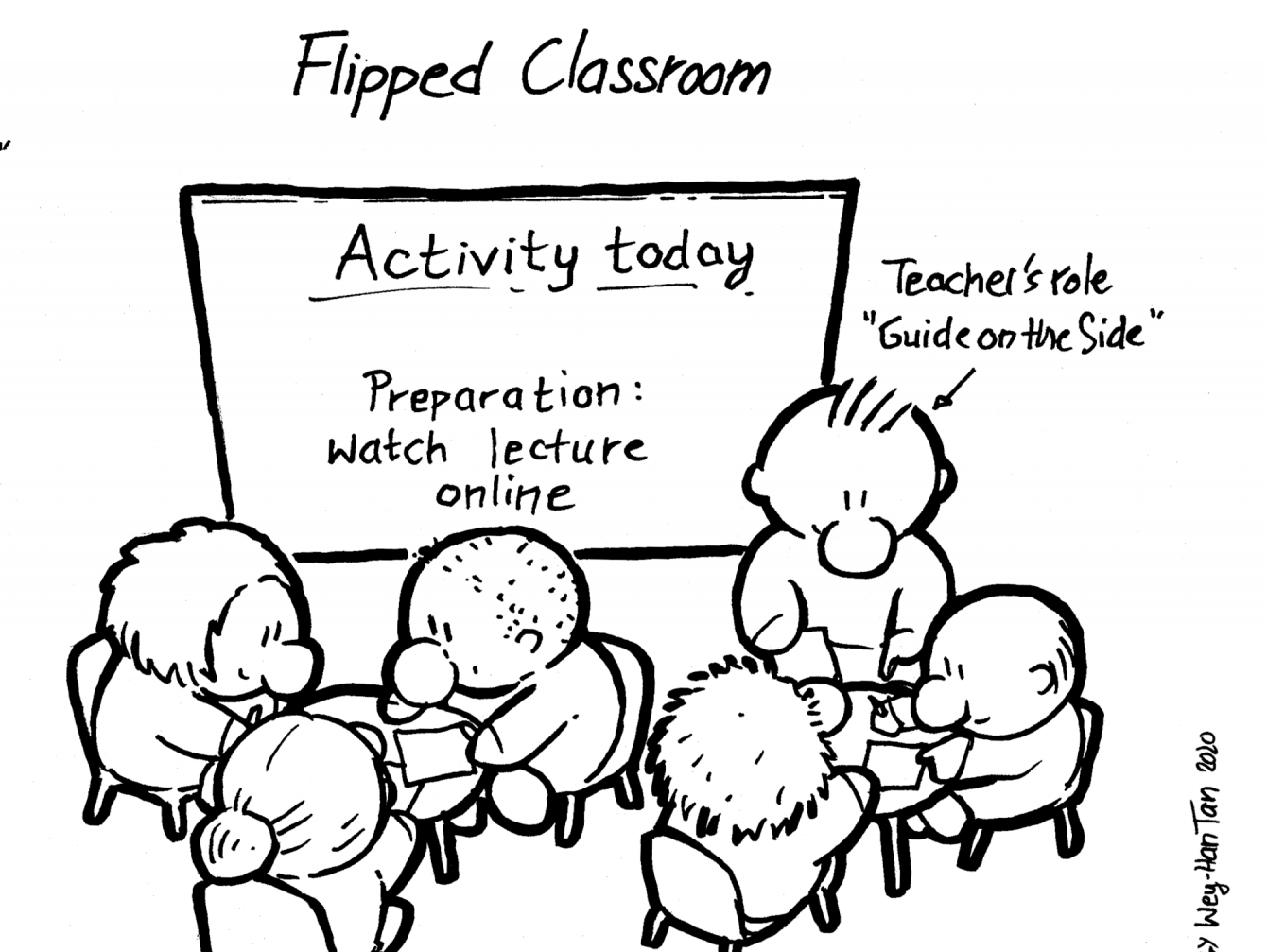
Flipped Classroom Methods
Overview The purpose of this article is to share flipped classroom methods to leverage your existing course materials and to integrate these materials, along with any new materials, into an effective teaching and learning strategy.
-

Managing Your Online Course
Overview The Course Facilitation Plan (CFP) outlines the key steps to take before, during, and after your course implementation, presented in the recurring course life-cycle, as well as recognizing the four roles of an online instructor. Download a copy of the file to create your own customized version.
-
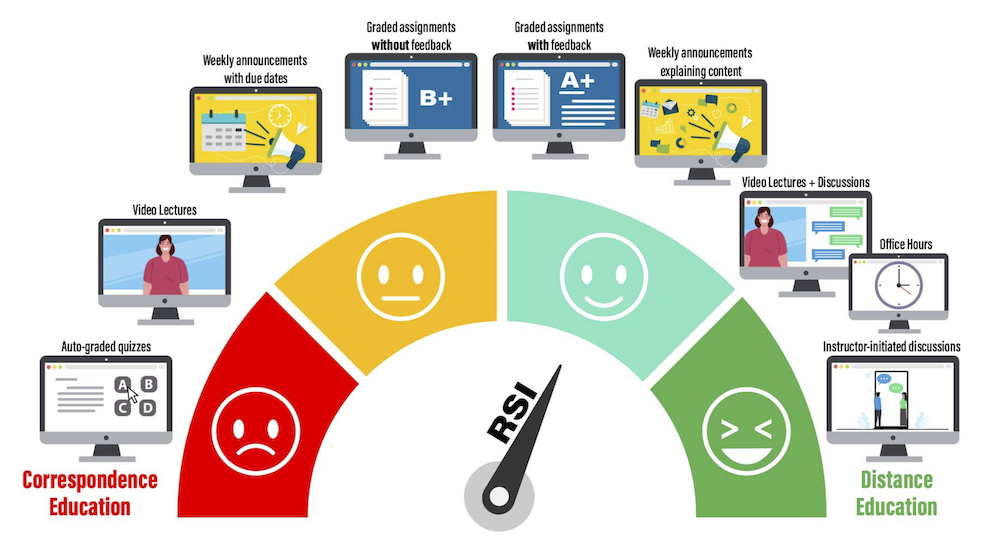
Meeting Regular and Substantive Interaction (RSI) Requirements
Overview This article provides examples for meeting the federal requirement for online or distance learning courses to “support regular and substantive interaction (RSI) between the students and the instructor, synchronously or asynchronously” (Downs, 2021).
-

Promoting Student Engagement in Your Online Course
Overview Student engagement is essential to effective teaching, but it can feel more elusive in online environments. Instructors often wonder how to foster interaction, ensure students engage with course materials and build a vibrant learning community. This article provides practical, actionable strategies for increasing student engagement in online course modalities.
-

Self-Guided Course Design and Development
Overview This post guides UConn faculty in designing, building, and teaching online and hybrid courses. Please refer to UConn Registrar’s Course Modalities for a complete explanation of each instructional approach. The phases outlined are intended for faculty with a strong background in teaching and pedagogy who are already comfortable using HuskyCT. To learn more about the skills and knowledge needed, refer to UConn Competencies for Online and Hybrid Instruction. We encourage faculty who prefer a more guided support model to review the phases outlined in this site and then contact eCampus to work with one of our staff members.
-

Types of Videos for Online Teaching & Learning
Overview Videos can be used for a variety of purposes in online courses, and different set-ups are required to achieve these goals. This article will review the types of videos used in online courses and provide examples.